Without an app
What Shopify does by itself
Theme breadcrumbs usually rely on the URL the visitor came through. Open a product from search and the collection level disappears.
 FourCore Breadcrumbs · Free trial available
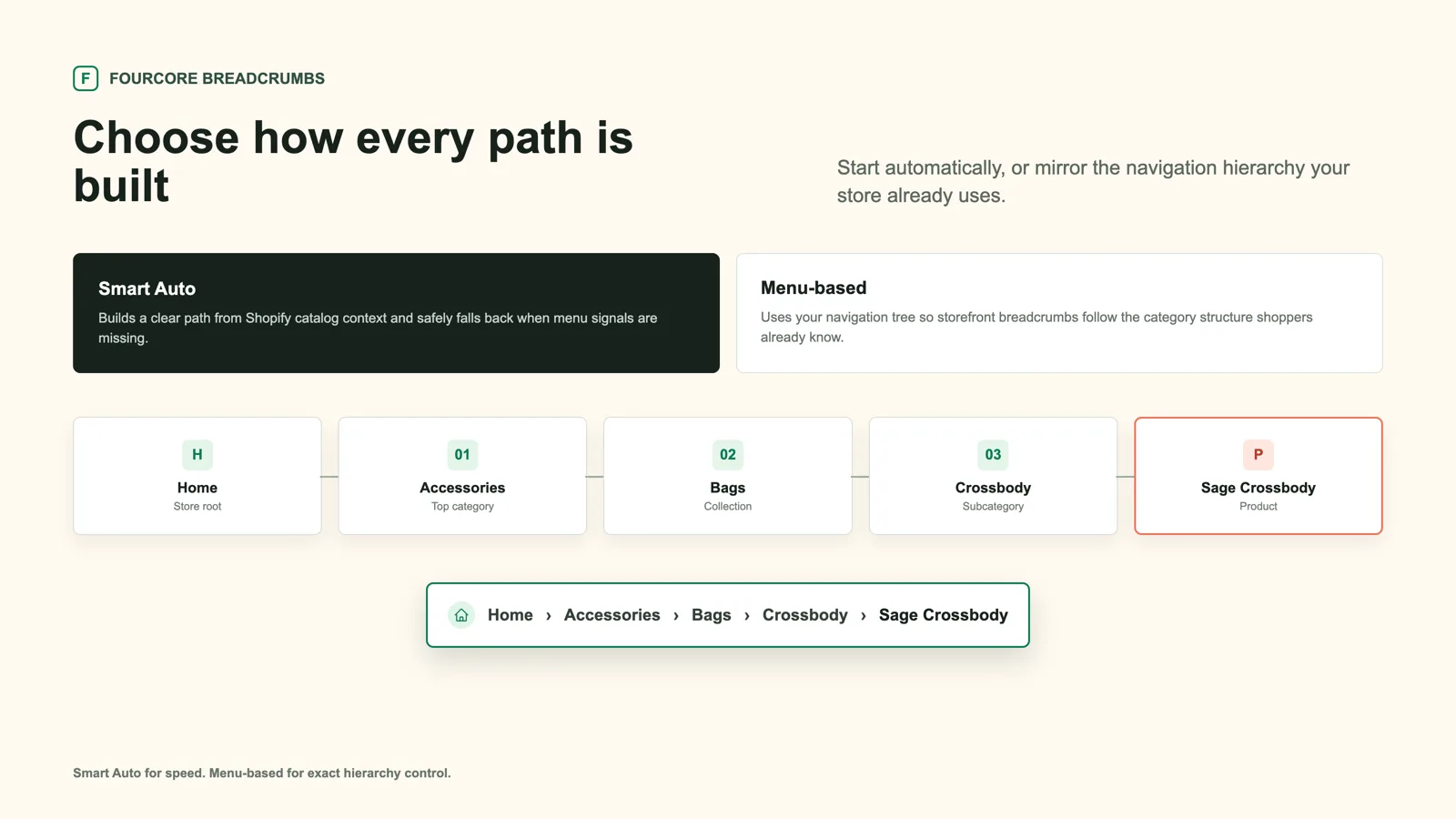
Collection breadcrumbs show which collection a product belongs to and link back to it, such as Home › Accessories › Bags. Many Shopify themes lose the collection when a product is opened directly. FourCore Breadcrumbs keeps it, and handles products that sit in several collections.
Without an app
Theme breadcrumbs usually rely on the URL the visitor came through. Open a product from search and the collection level disappears.
With FourCore Breadcrumbs
Three steps, and no theme code.
Step 1
Step 2
Step 3
Multi-collection handling picks a sensible trail, and you can follow the visitor’s own path where there is one.
Yes. Breadcrumbs are designed for both product and collection pages.
FourCore Breadcrumbs Compare breadcrumbs apps Breadcrumbs and SEO
Try FourCore Breadcrumbs on your Shopify store. Free trial available.
Get the app on Shopify