01
Give each variant its own images
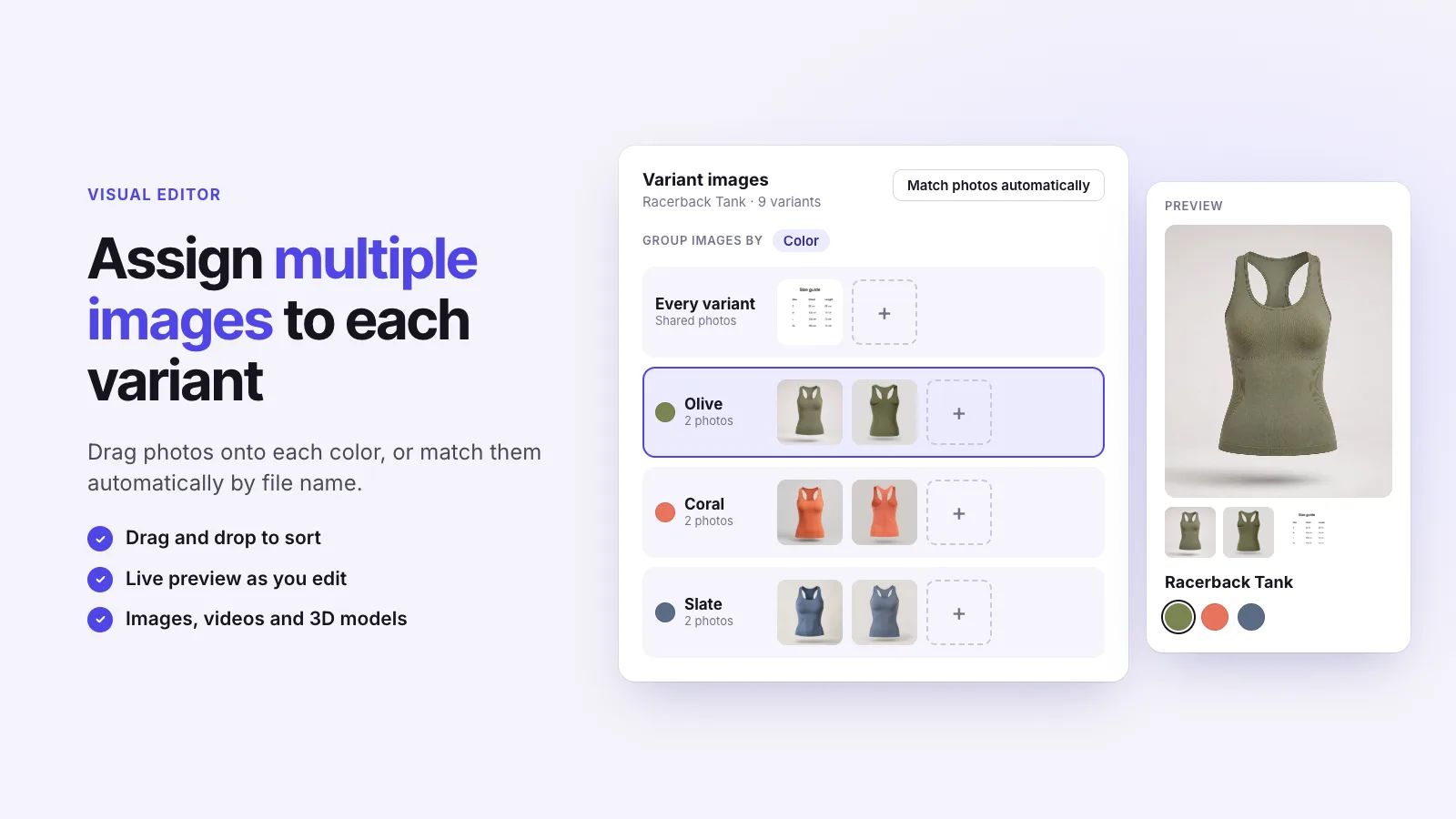
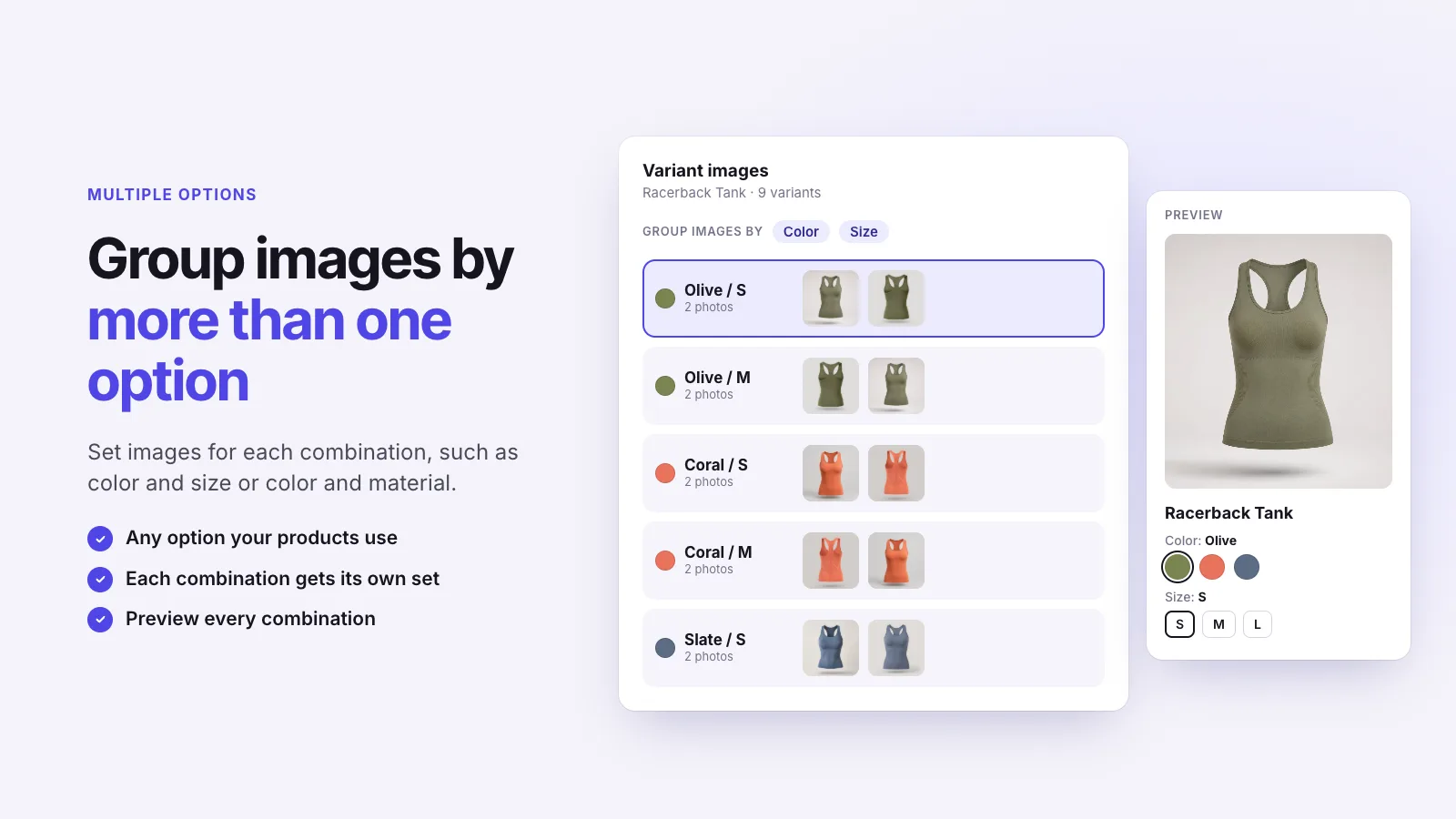
Assign front, side, and detail photos to the right color or option combination. Keep shared media in mind when planning your groups.
 Free plan available
Their color. The right photos.
Show the images that belong to the variant a shopper selects. Add swatches, link separate products, and keep the gallery your theme already uses.
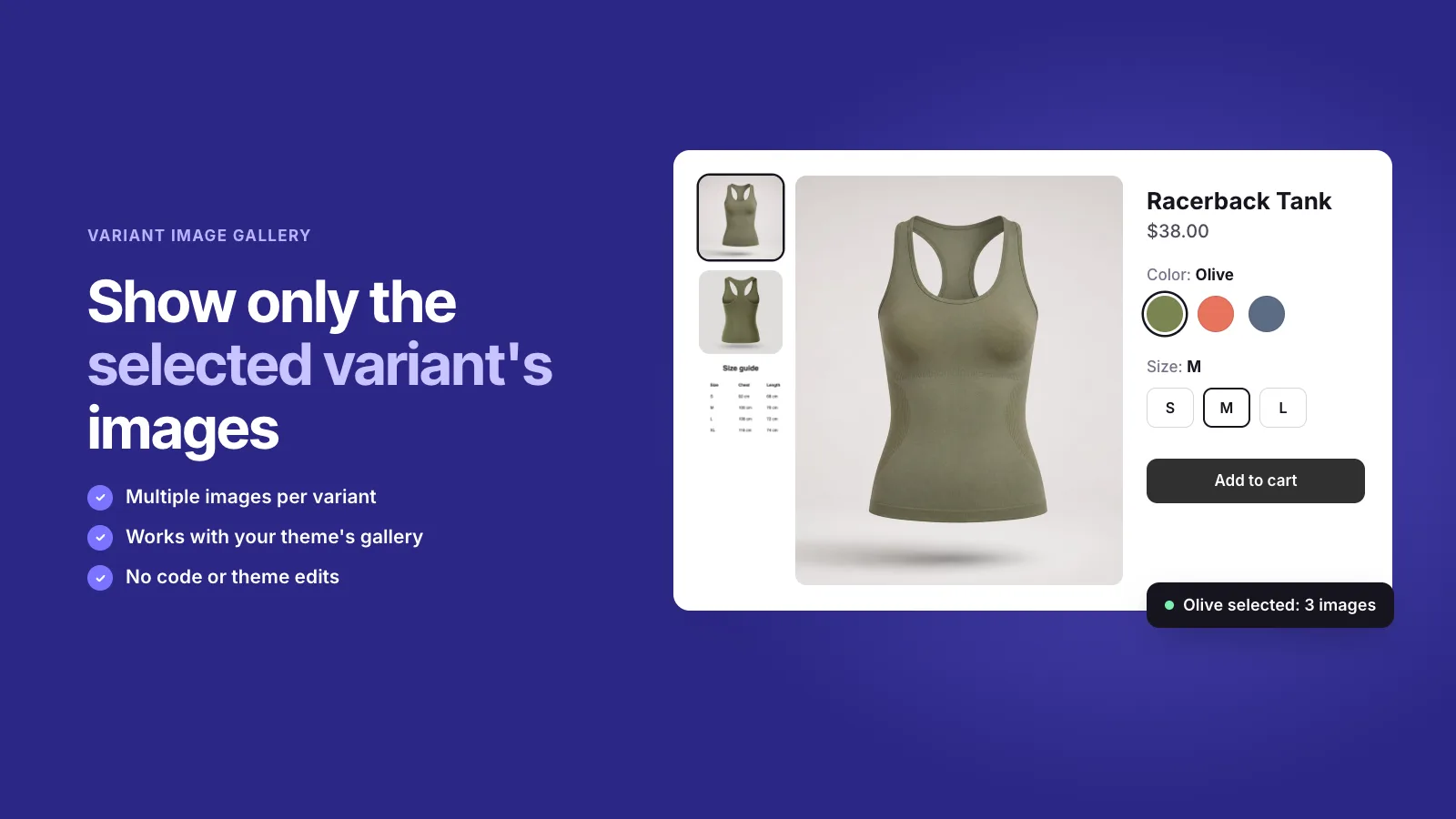
Instant Variant Images is a Shopify app that assigns multiple images to each variant and shows only the selected variant’s photos. It adds color and image swatches, links separately listed products with Product Groups, and works with the gallery your theme already has.
Compare variant images apps How to Show Different Images for Each Variant on Shopify
A shopper choosing navy should see navy. Group the photos around the choice while your theme handles the gallery experience.
Assign front, side, and detail photos to the right color or option combination. Keep shared media in mind when planning your groups.
The app works with the native gallery. Your theme continues to control its layout, zoom, thumbnails, video, and 3D media. Check compatibility in your store before publishing.
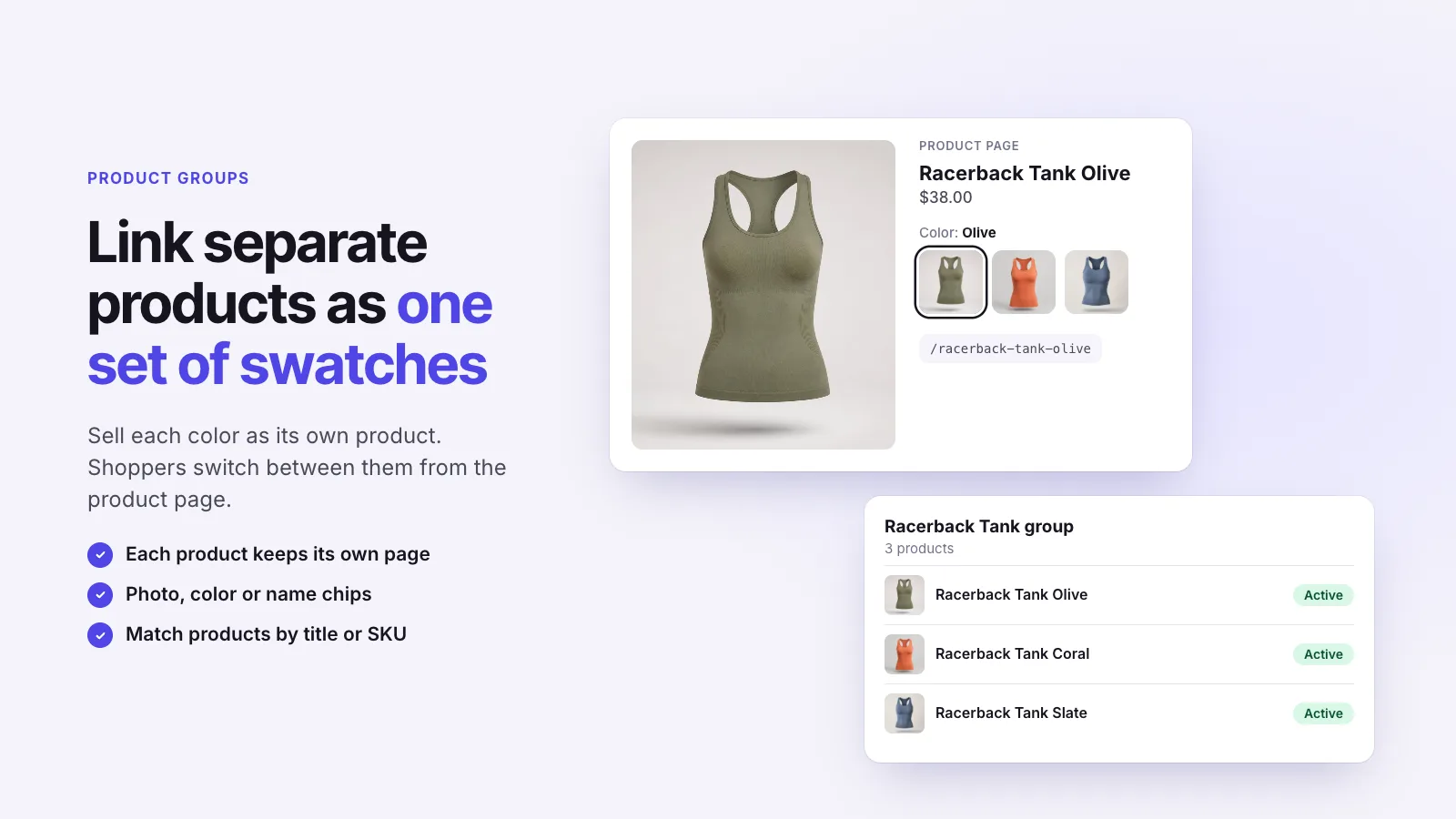
Use Product Groups for colors or styles with their own Shopify product pages. Show photo, color, or text chips so customers can move between them.
Assign media across the catalog in bulk and review the matches. Analytics counts image views, swatch clicks, and Product Group taps without storing a shopper's identity.
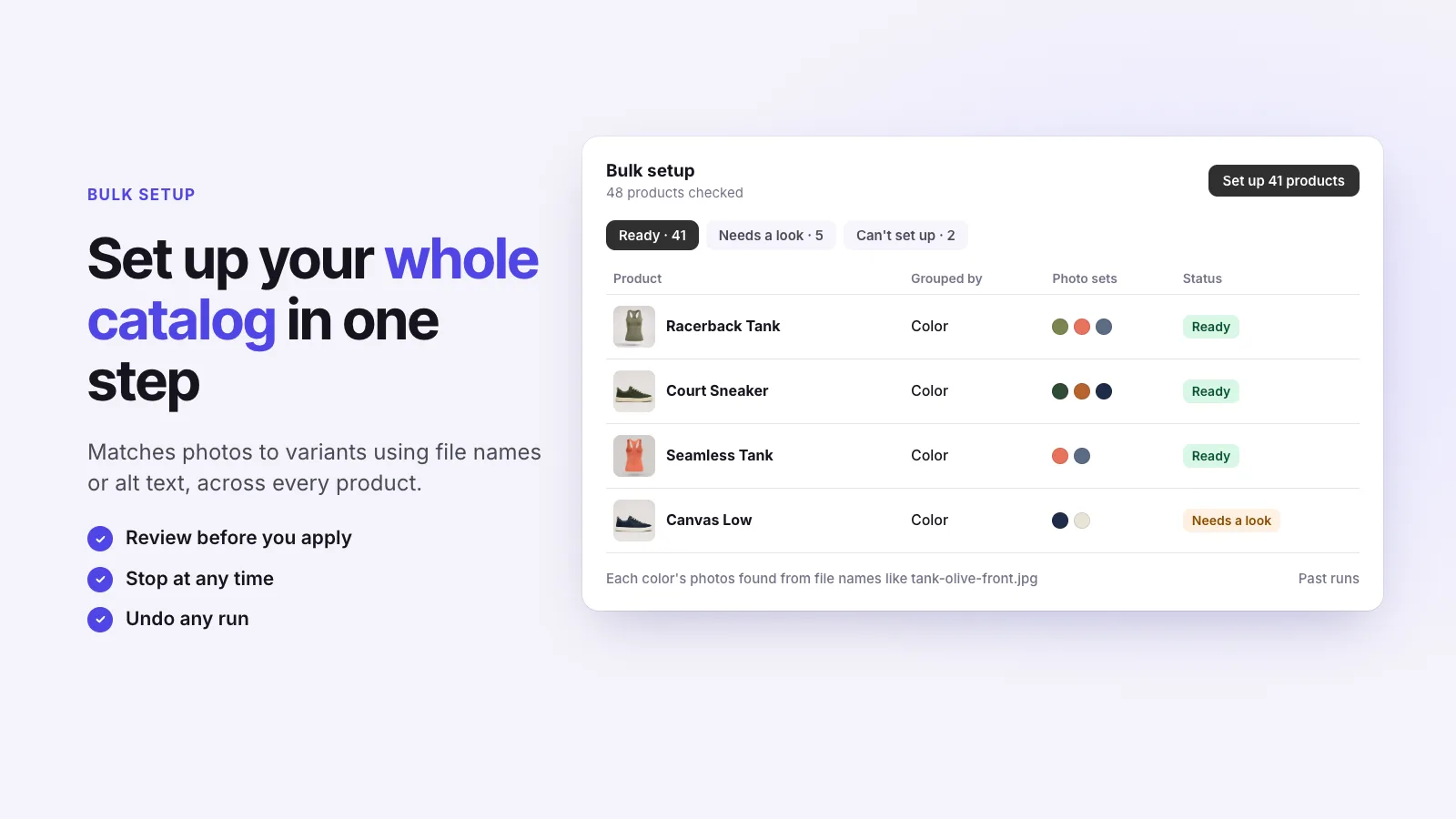
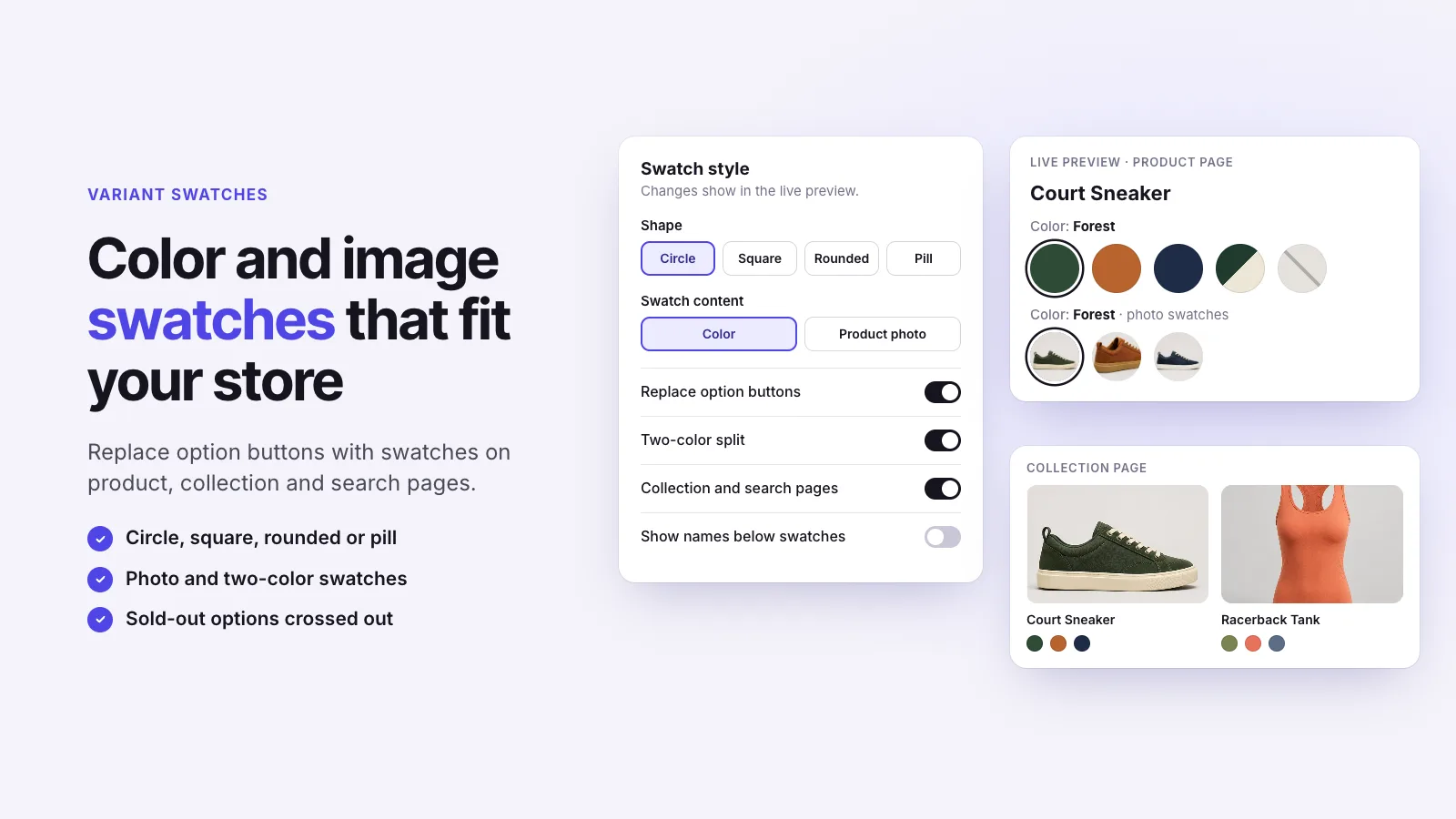
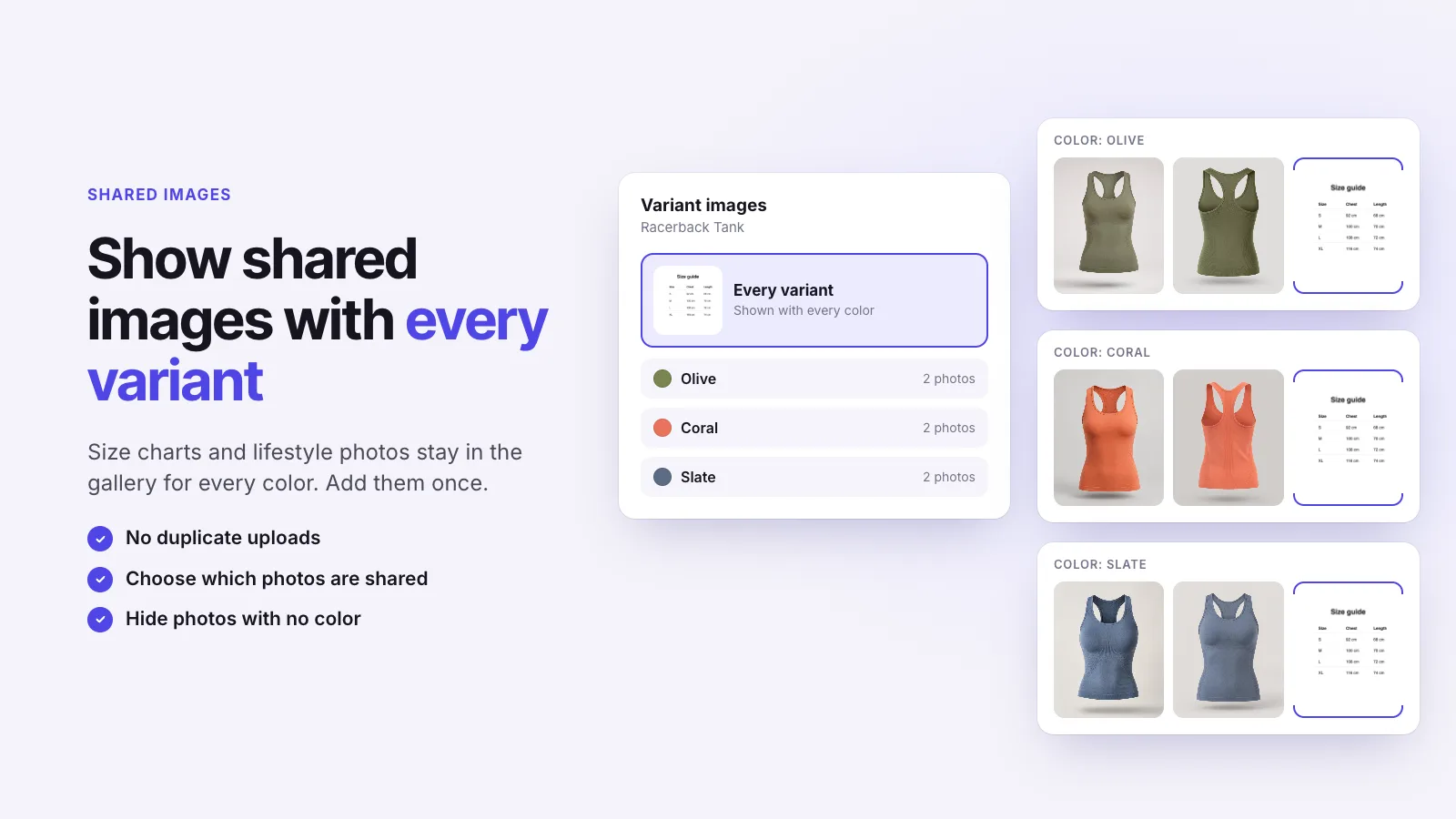
Assign the photos that belong to each variant.
Use color or image swatches that make each option recognizable.
Test selection, thumbnails, zoom, shared media, and direct variant links.
Pricing
Install from the Shopify App Store. Current plans and limits are listed there, along with 1 merchant review. Checked 18 November 2026.
Try it free on ShopifyTry Instant Variant Images on your Shopify store. Free plan available.
Get the app on Shopify Instant Product Options Custom product options and paid add-ons for any product
 AI Shop the Look & Lookbooks AI shop-the-look, lookbooks, and product bundles
 FourCore Breadcrumbs Smart, menu-based breadcrumbs with JSON-LD
 Instant Product Reviews Photo reviews and Q&A in widgets that match your theme
 FourCore Cursors & Confetti Custom cursors and confetti, kept lightweight