Without an app
What Shopify does by itself
Shopify has no gift wrap setting on the product page. Common workarounds are a separate “gift wrap” product or a note field in the cart.
 Instant Product Options · Free plan available
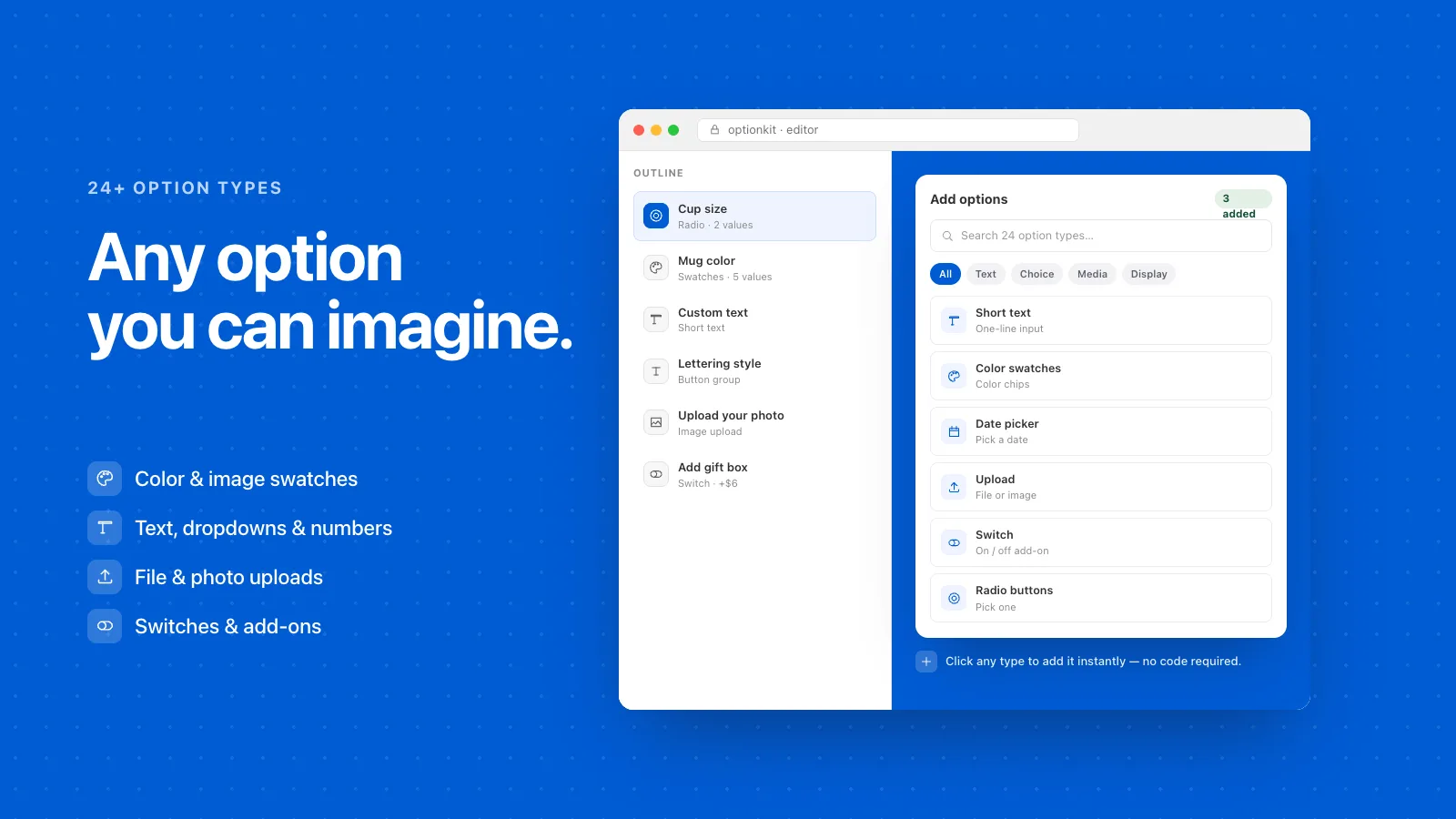
To offer gift wrap on Shopify, add a paid option to the product page that shoppers can switch on. Instant Product Options adds a gift box or gift wrap add-on with its own photo and price, and a message field that appears only when it’s chosen.
Without an app
Shopify has no gift wrap setting on the product page. Common workarounds are a separate “gift wrap” product or a note field in the cart.
With Instant Product Options
Three steps, and no theme code.
Step 1
Step 2
Step 3
Yes. Set a price on the add-on and it’s added to the product at checkout.
Yes. Add a text field and show it only when gift wrap is selected.
Instant Product Options Compare product options apps Product options vs variants
Try Instant Product Options on your Shopify store. Free plan available.
Get the app on Shopify