Without an app
What Shopify does by itself
It depends on your theme. Some themes turn a “Color” option into swatches on the product page. Support on collection and search pages is rarer.
 Instant Variant Images · Free plan available
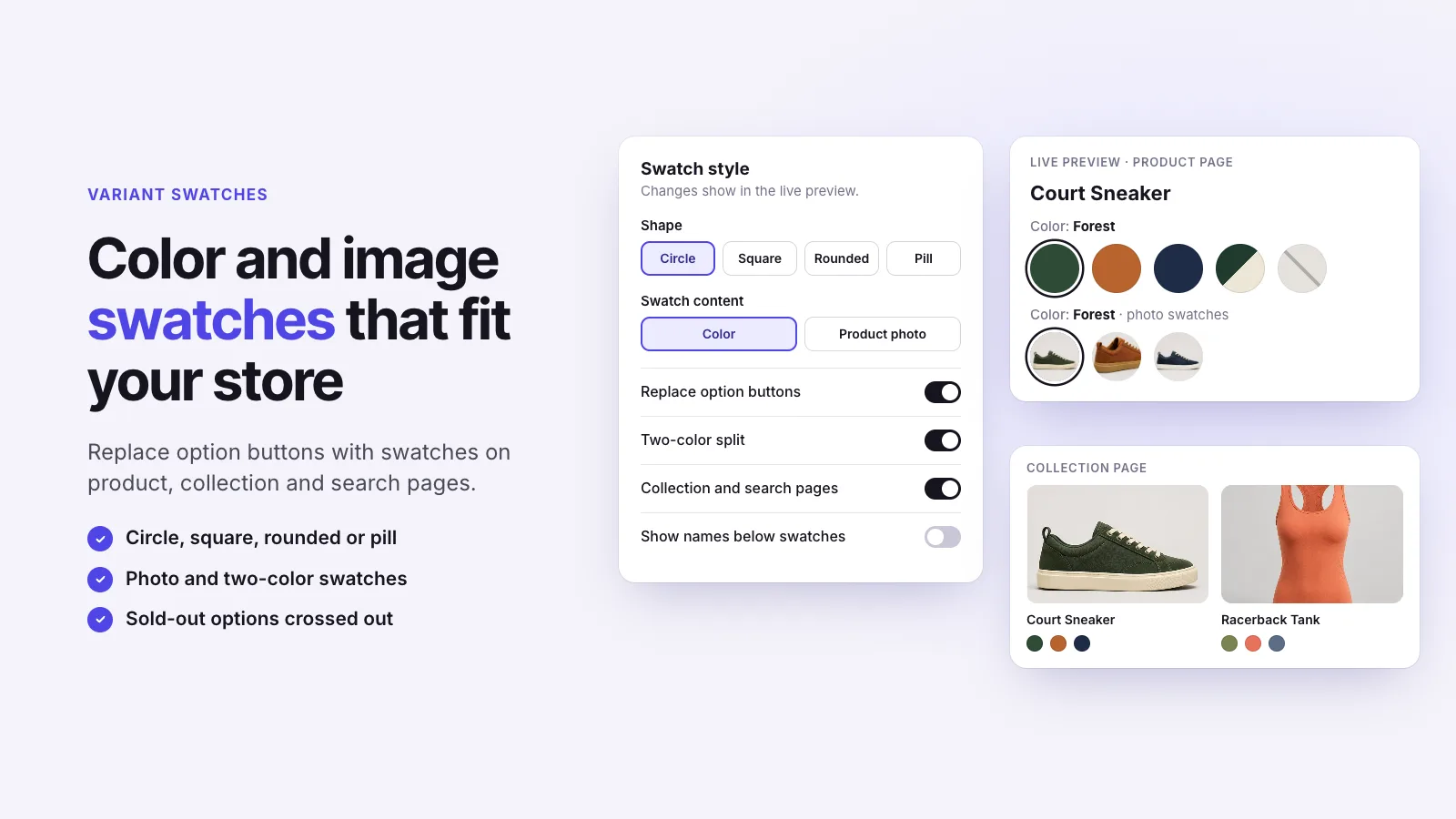
Color swatches replace a dropdown or plain buttons with small color chips shoppers can tap. Some Shopify themes include basic swatches; many don’t, and few show them on collection pages. Instant Variant Images adds color swatches to product, collection and search pages, in the shape that suits your store.
Without an app
It depends on your theme. Some themes turn a “Color” option into swatches on the product page. Support on collection and search pages is rarer.
With Instant Variant Images
Three steps, and no theme code.
Step 1
Step 2
Step 3
Yes. Swatches can show on collection and search pages as well as the product page.
Yes. Two-color split swatches are supported for two-tone products.
Instant Variant Images Compare variant images apps Images for each variant
Try Instant Variant Images on your Shopify store. Free plan available.
Get the app on Shopify