Without an app
What Shopify does by itself
Most themes offer color chips at best. Showing a product photo as the swatch usually needs custom code or an app.
 Instant Variant Images · Free plan available
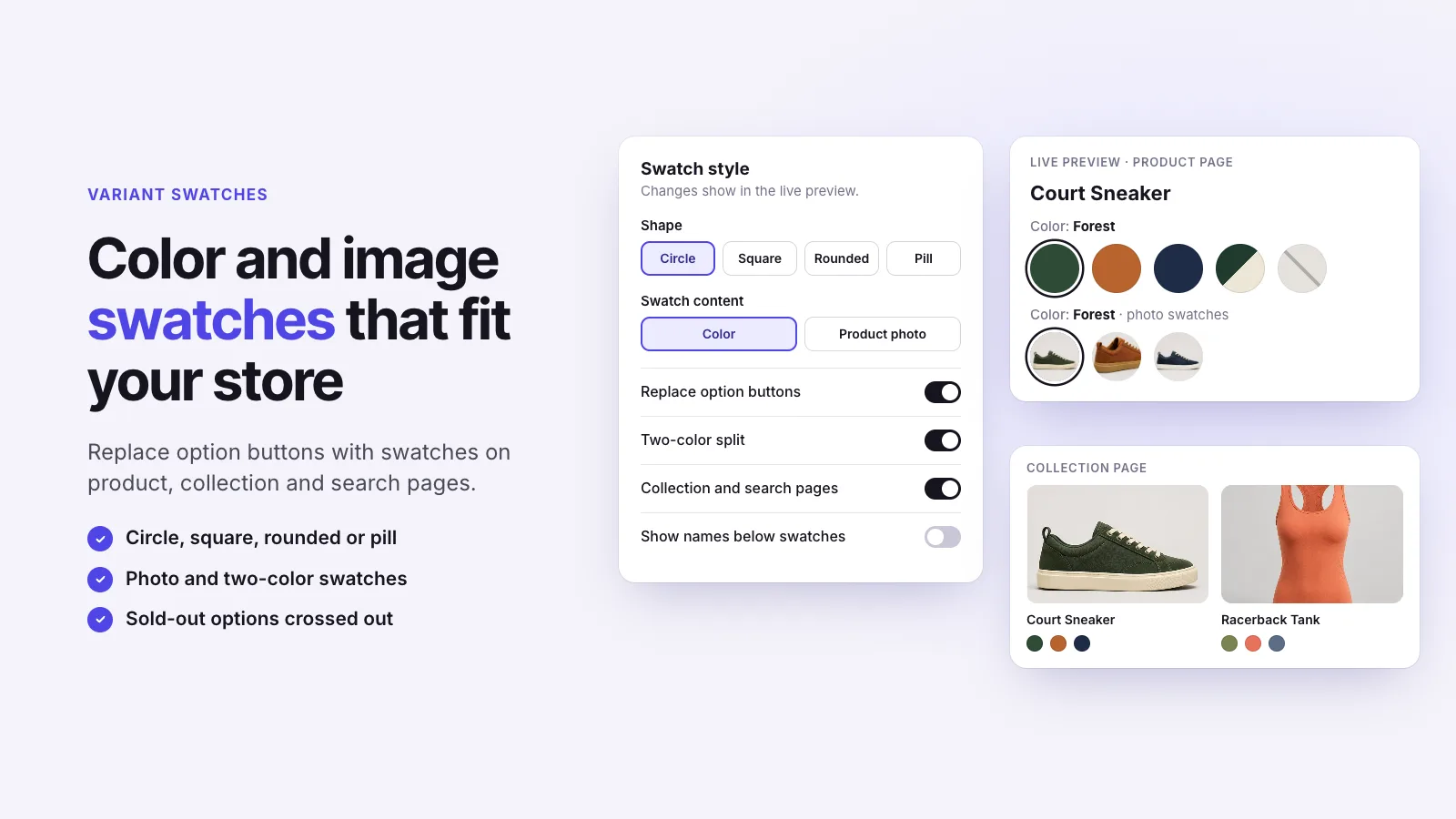
Image swatches show a small photo of each variant in place of a plain color chip. They suit patterns, prints and materials that a flat color can’t describe. Instant Variant Images adds image swatches to your product, collection and search pages, on every plan including Free.
Without an app
Most themes offer color chips at best. Showing a product photo as the swatch usually needs custom code or an app.
With Instant Variant Images
Three steps, and no theme code.
Step 1
Step 2
Step 3
Use image swatches when a flat color doesn’t tell the story: prints, patterns, textures and materials. Use color swatches for plain colors.
Yes. Color and image swatches are both on the free plan.
Instant Variant Images Compare variant images apps Images for each variant
Try Instant Variant Images on your Shopify store. Free plan available.
Get the app on Shopify