Without an app
What Shopify does by itself
Shopify treats each product as independent. Without an app or custom code there is no swatch row linking one product to another.
 Instant Variant Images · Free plan available
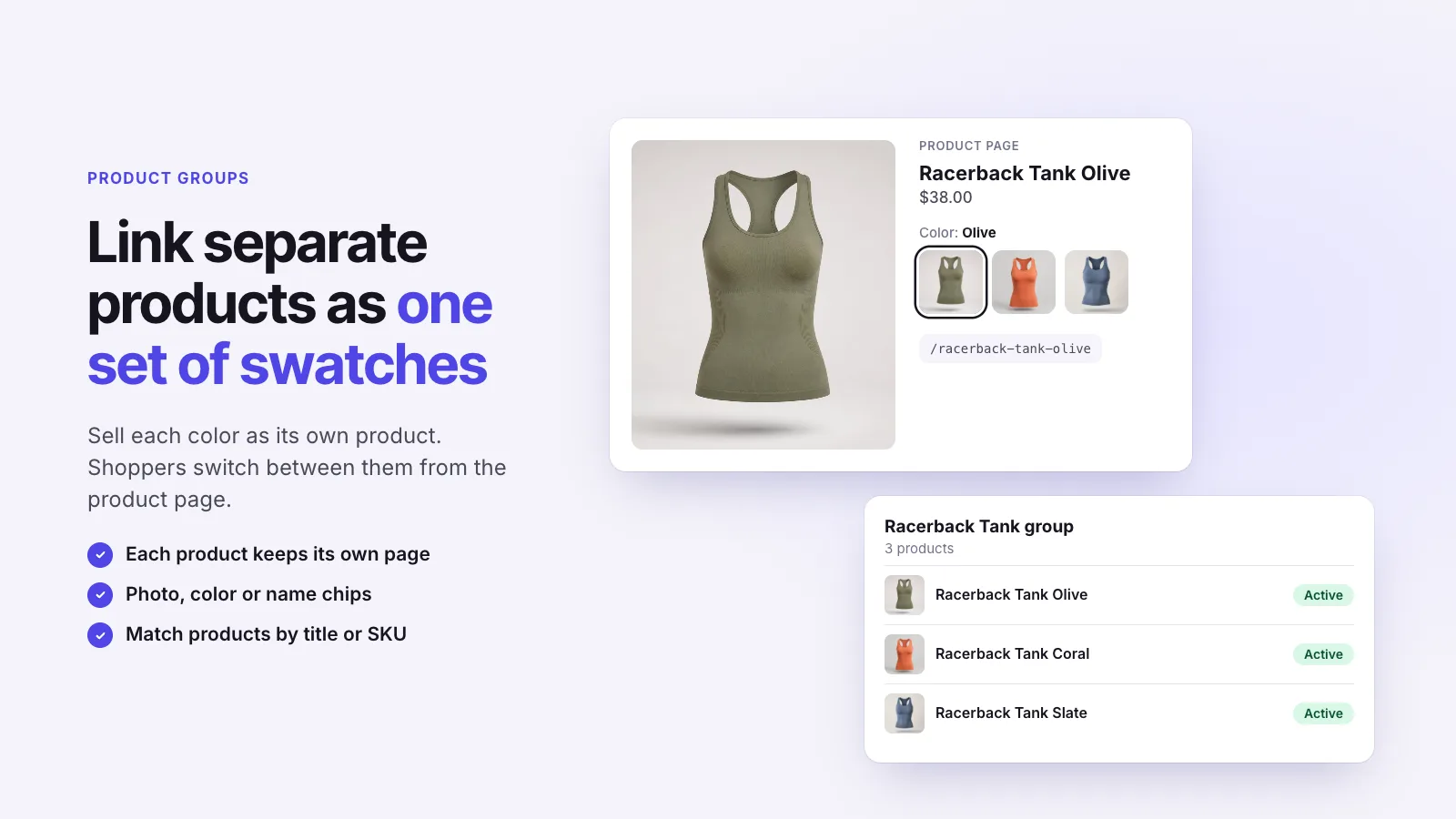
To show separate Shopify products as if they were variants, link them into a group and display the group as a row of swatches on each product page. Shoppers tap a swatch and land on the other product. Instant Variant Images does this with Product Groups, on any Shopify plan.
Without an app
Shopify treats each product as independent. Without an app or custom code there is no swatch row linking one product to another.
With Instant Variant Images
Three steps, and no theme code.
Step 1
Step 2
Step 3
It solves the same problem, but combined listings need Shopify Plus. Product Groups work on any plan.
No. Each product keeps its own variants and stock. The group only adds links between them.
Instant Variant Images Compare variant images apps Images for each variant
Try Instant Variant Images on your Shopify store. Free plan available.
Get the app on Shopify