Without an app
What Shopify does by itself
Shopify has no general way to link separate products on the product page. Combined listings exist, but only on Shopify Plus.
 Instant Variant Images · Free plan available
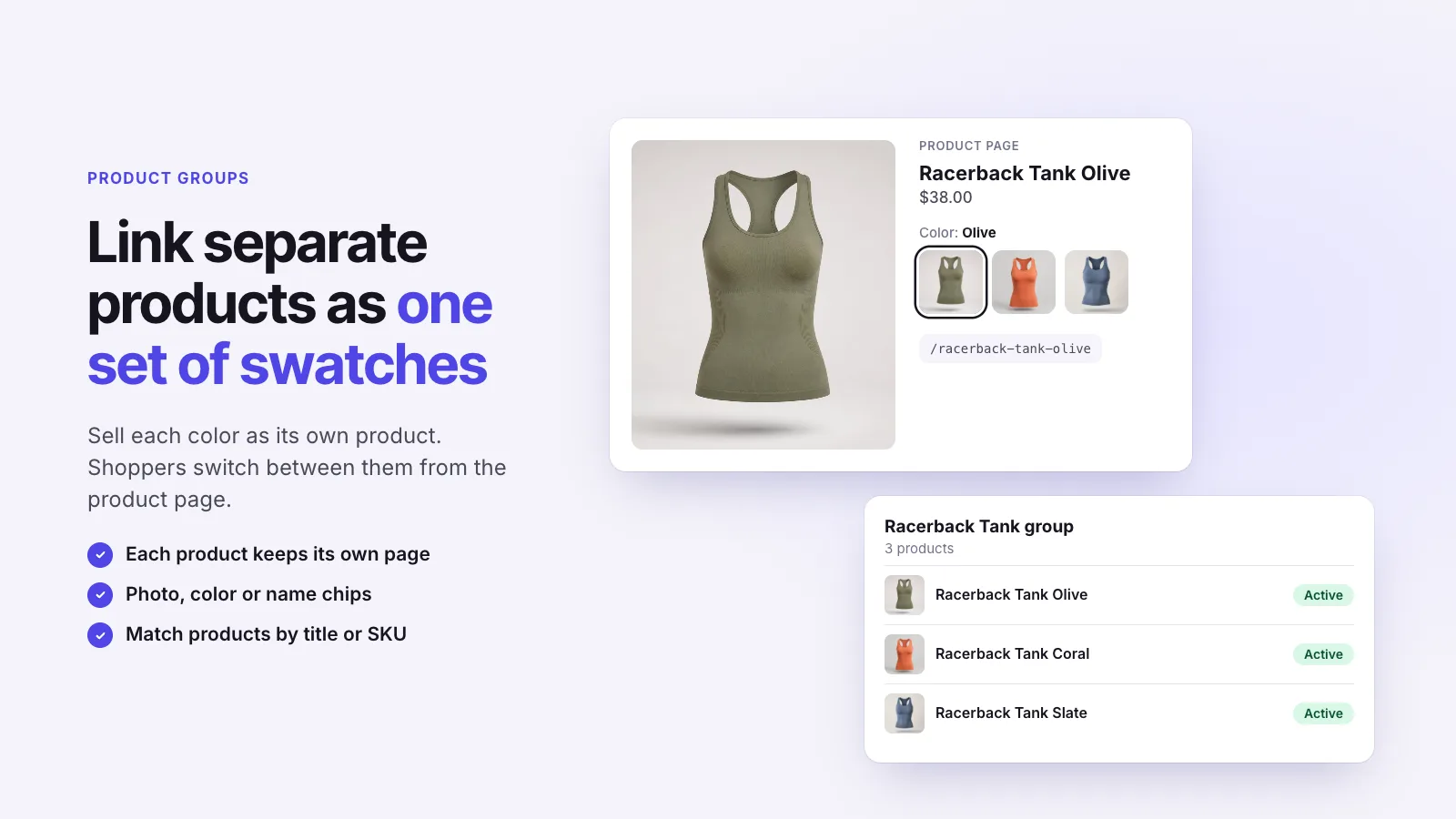
A product group links separate Shopify products so shoppers can switch between them like variants. It’s how stores sell each color as its own product while still showing them together. Instant Variant Images builds product groups with photo, color or name swatches, and each product keeps its own page.
Without an app
Shopify has no general way to link separate products on the product page. Combined listings exist, but only on Shopify Plus.
With Instant Variant Images
Three steps, and no theme code.
Step 1
Step 2
Step 3
Each color gets its own page, title and images, which can help with search and ads. Product groups keep them connected for shoppers.
No. Product Groups in Instant Variant Images work on any Shopify plan.
Instant Variant Images Compare variant images apps Images for each variant
Try Instant Variant Images on your Shopify store. Free plan available.
Get the app on Shopify