Without an app
What Shopify does by itself
Shopify lets you attach one image to each variant. Picking the variant jumps to that image, but the photos of every other color stay in the gallery.
 Instant Variant Images · Free plan available
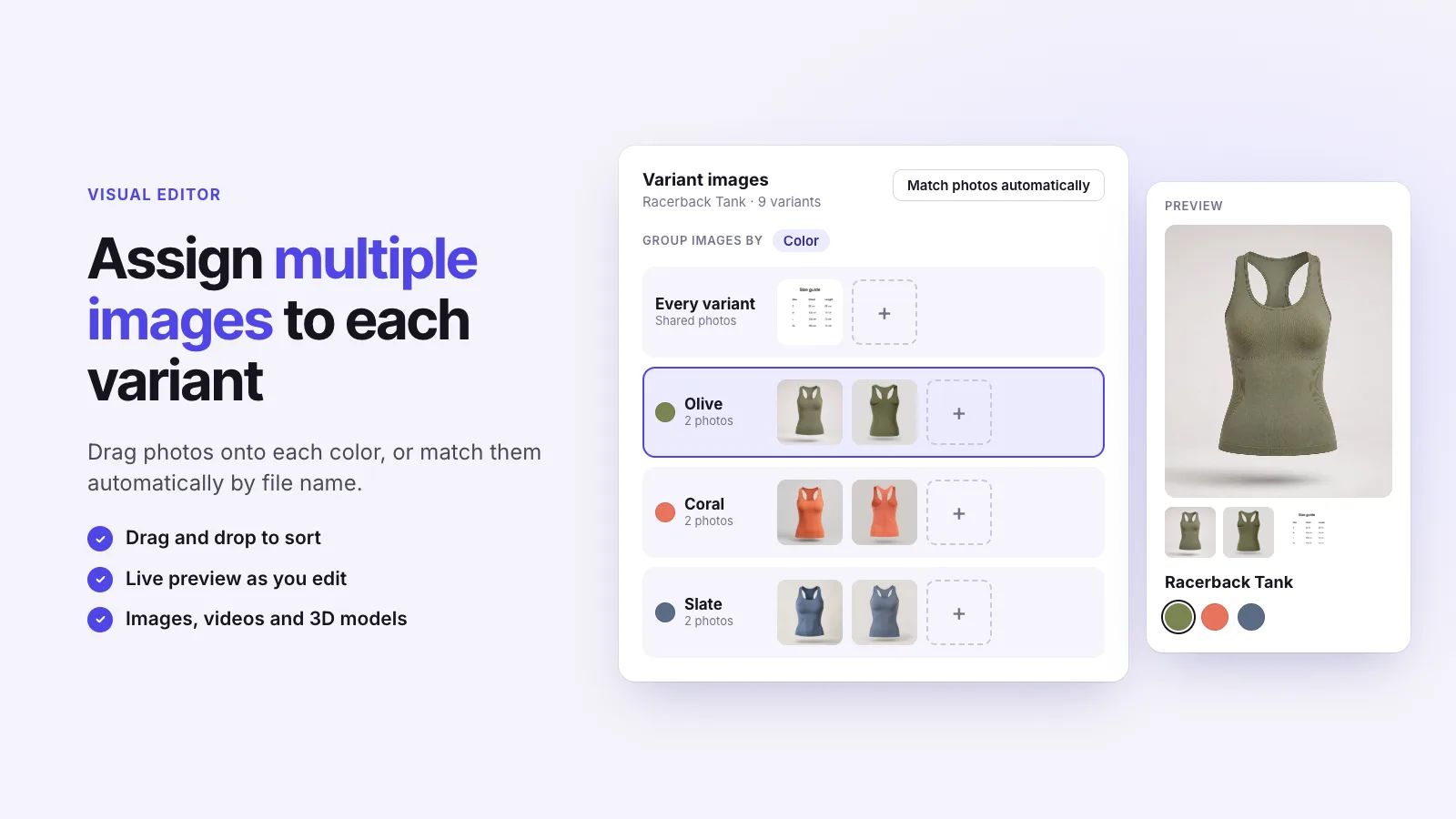
A variant image gallery shows only the photos that belong to the variant a shopper selects. Shopify doesn’t do this by itself: it attaches one image to each variant and leaves every other photo in the gallery. Instant Variant Images groups several photos under each variant and filters your theme’s own gallery to that group.
Without an app
Shopify lets you attach one image to each variant. Picking the variant jumps to that image, but the photos of every other color stay in the gallery.
With Instant Variant Images
Three steps, and no theme code.
Step 1
Step 2
Step 3
As many as you assign to it. Shopify’s limit of one image per variant doesn’t apply to the groups you build in the app.
No. It filters the gallery your theme already has, so the layout, zoom and thumbnails are unchanged.
Instant Variant Images Compare variant images apps Images for each variant
Try Instant Variant Images on your Shopify store. Free plan available.
Get the app on Shopify