Without an app
What Shopify does by itself
One image per variant. Extra photos can be uploaded to the product, but Shopify has no way to tie them to a specific variant.
 Instant Variant Images · Free plan available
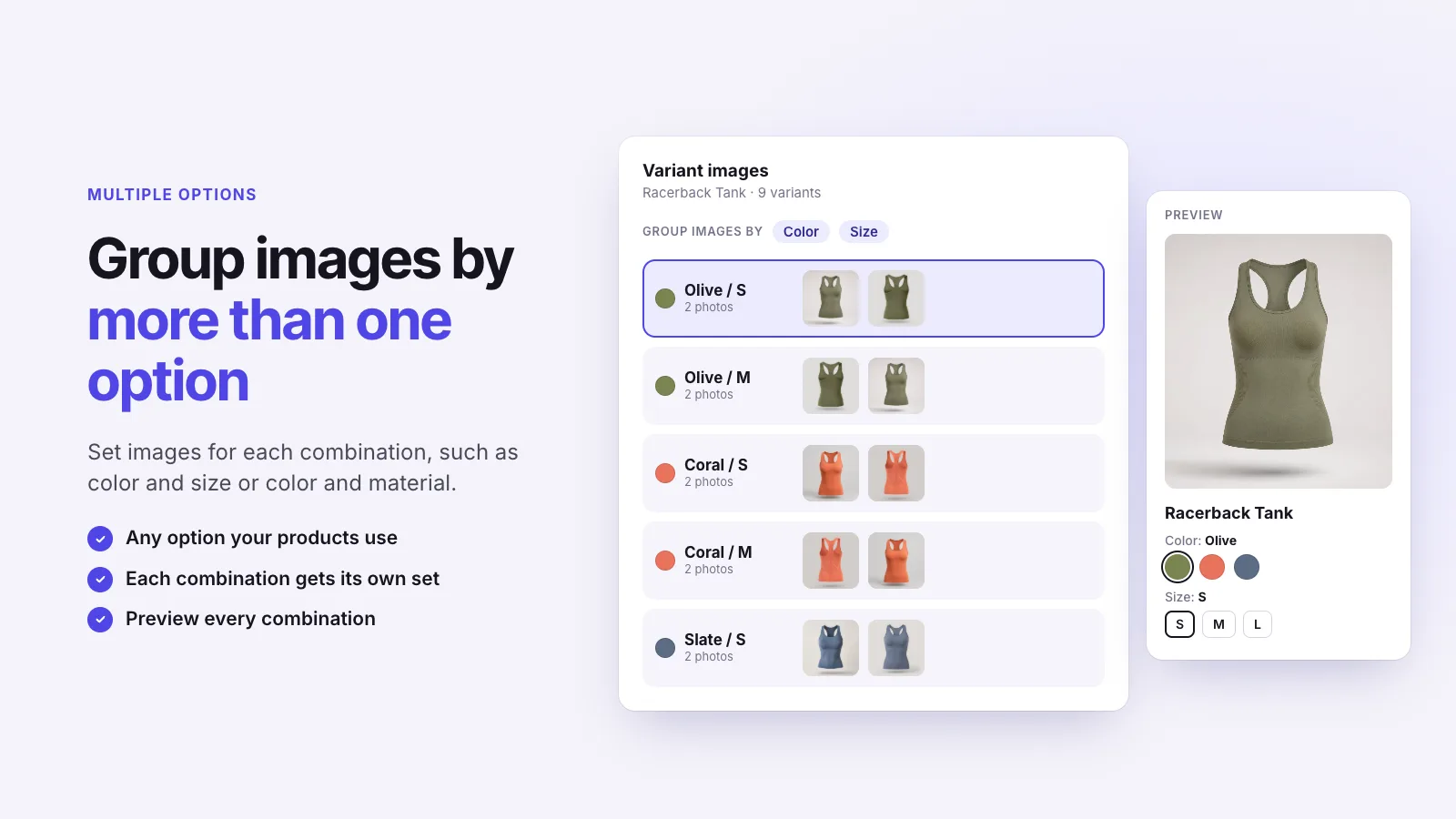
Shopify allows one image per variant. To give each variant several images, group your product photos by variant with an app. Instant Variant Images lets you assign any number of photos, videos and 3D models to each color or option combination, and shows only that set when it’s selected.
Without an app
One image per variant. Extra photos can be uploaded to the product, but Shopify has no way to tie them to a specific variant.
With Instant Variant Images
Three steps, and no theme code.
Step 1
Step 2
Step 3
Yes. You can set images for each combination, such as color and size or color and material.
Mark them as shared. Size charts and lifestyle photos then stay in the gallery for every color.
Instant Variant Images Compare variant images apps Images for each variant
Try Instant Variant Images on your Shopify store. Free plan available.
Get the app on Shopify